


April 01,2026
Creating a Business Chatbot with the Domino CRM Builder
In our previous articles, the Domino CRM team discussed in detail what a business chatbot can offer across a wide range of industries, i.e., from solutions for beauty salons and online stores to tools for online schools and HR specialists.
Today, we will focus on the very first step of the preparation process: launching a chatbot that will turn those scenarios into real working tools.
In other words, we will once again show how easy it is to create a business chatbot using Domino CRM.
But first, let’s look at why using a chatbot builder is the most practical option.
Creating a Business Chatbot: Why Chatbot Builders Matter
Even at the turn of the 2010s and 2020s, long before generative AI models became widely available for B2B and B2C applications, the trend toward business chatbots was already clear.
At the time, chatbots promised:
- Automation (even if still imperfect);
- At least some reduction in labor costs;
- A degree of consistency with corporate communication standards and tone of voice;
- The ability to quickly transfer a conversation to a human agent.
However, back then such initiatives usually required significant investment. Despite their advantages, chatbot development projects were often expensive.
Since then, three key factors have changed the landscape:
- COVID-19, which significantly accelerated digital transformation;
- The release of publicly available AI models that allow companies to build their own applications and connect intelligent features via APIs;
- Rapid progress in chatbot builders, many of which now include integrations with built-in or third-party AI tools.
The Optimal Approach to Creating a Business Chatbot
As of 2026, companies typically have three main options when building a business chatbot.
1. Develop a fully custom AI solution. In this case, a company builds its own chatbot system from scratch, including infrastructure, dialogue logic, and the user interface. This approach provides maximum flexibility. However, it also requires substantial resources, a large development team, and ongoing maintenance.
2. Develop your own product and connect an AI model via API. A more economical option is to build the interface and business logic independently and then integrate an external AI model through an API. However, this approach still requires development, testing, and ongoing support.
One could argue that so-called ‘vibe coding’ may reduce costs by generating much of the logic automatically with AI. However, this approach may introduce risks related to system security and overall UX quality.
3. Use a chatbot builder. The third option is to use a specialized chatbot builder for business automation. In this case, companies do not need to develop their own infrastructure or write code from scratch. Most technical components are already implemented. Moreover, many modern chatbot builders include built-in integrations with AI models.
This allows you to expand the autonomy of your chatbot by enabling you to:
- Quickly build communication flows using a visual editor;
- Connect messengers and website widgets;
- Integrate bots with CRM systems and other business tools;
- Use AI models to handle complex customer requests and automate support.
Creating a Business Chatbot with Domino CRM
Launching a chatbot in Domino CRM only requires a few simple steps:
- Register using your email and password, or sign in with Telegram, Yandex ID, VK ID, an eLama account, or Gmail.
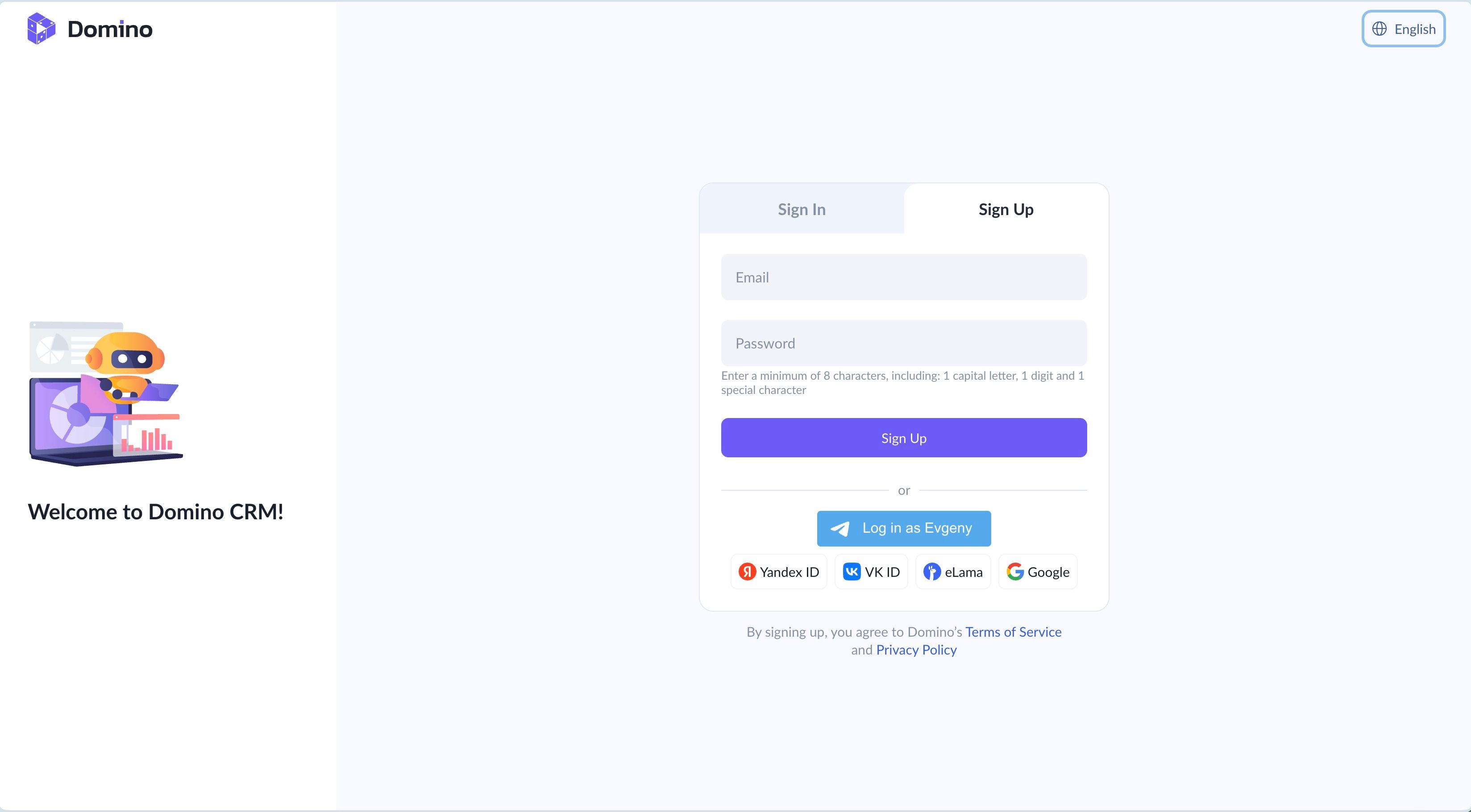
- In the ‘Bots’ section, whether you are creating a bot for a messenger or a website widget, click ‘+ New Bot.’
- Choose the chatbot type depending on the platform.
- Follow the simple setup instructions.
Log in to Domino CRM and try creating your first chatbot today.
You May Also Like

Major Updates in Domino CRM: Now in VK!
Now in VK and Beyond: New Chatbot Capabilities in Domino CRM

Chatbot for Beauty Salons and Barbershops
How a Chatbot Helps Beauty Salons and Barbershops Attract and Retain Clients