


February 10,2026
Delivery Service Chatbot: How It Works with Domino CRM
On an everyday level, today’s consumer economy can be described as a delivery economy. Many people have grown unaccustomed to once-routine activities such as grocery shopping or buying clothes at a mall. Everyone expects delivery: at the very least to a pickup point, and ideally straight to their door. And always at a convenient and pre-scheduled time.
If your business model involves delivery, the Domino CRM platform can equip your delivery service with a chatbot.
Why Does a Delivery Service Need a Chatbot?
For businesses operating in delivery, the core objective is to provide fast and predictable service at every stage of the order. A chatbot helps automate a large share of customer communications and reduce the workload on operators, all without compromising the CX.
With a chatbot built on Domino CRM, a delivery service can:
- Accept and clarify orders, both with and without manager involvement;
- Automatically notify customers about their delivery status;
- Confirm delivery time and address;
- Handle common questions (pricing, timing, available delivery zones, payment terms);
- Process payments, including receipt generation when required;
- Accept order changes before the order is handed over to the courier service;
- Collect contact details and interaction history in the CRM.
The chatbot works around the clock, ensuring a consistent standard of communication with customers. This becomes especially important during peak demand periods, when staff workload increases significantly.
What Does Domino CRM Offer for Delivery?
To provide a reliable foundation, the Domino CRM team has prepared a dedicated delivery template. To start working with it, go to the ‘Automation’ section, click ‘+ New Flow’, and select ‘Delivery’ from the template list.
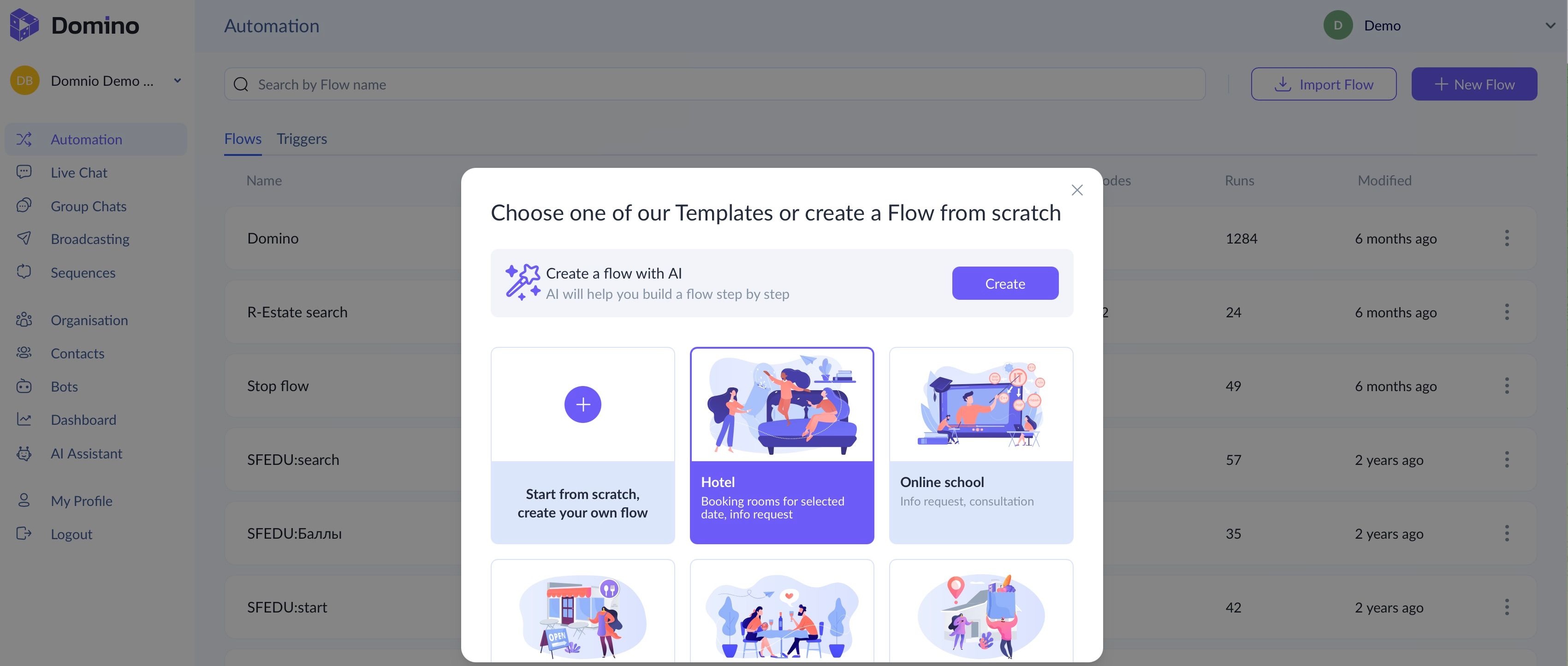
The template was originally designed for food delivery from cafés and restaurants. However, thanks to the flexibility and ease of use of the Domino CRM interface, it can be easily adapted for retail delivery as well.
The main flow that Domino CRM guides customers through includes:
- A greeting with the option to continue the conversation in chat or to go to the business website or social media page;
- A catalog node (currently presented as a menu, but fully customizable);
- The payment stage;
- A choice between pickup and delivery at a specific time;
- An address request;
- A waiting node;
- A request to rate food quality and service.
Integrate a Domino CRM chatbot into your delivery service, regardless of what you sell, and see how effectively it can work for your business.
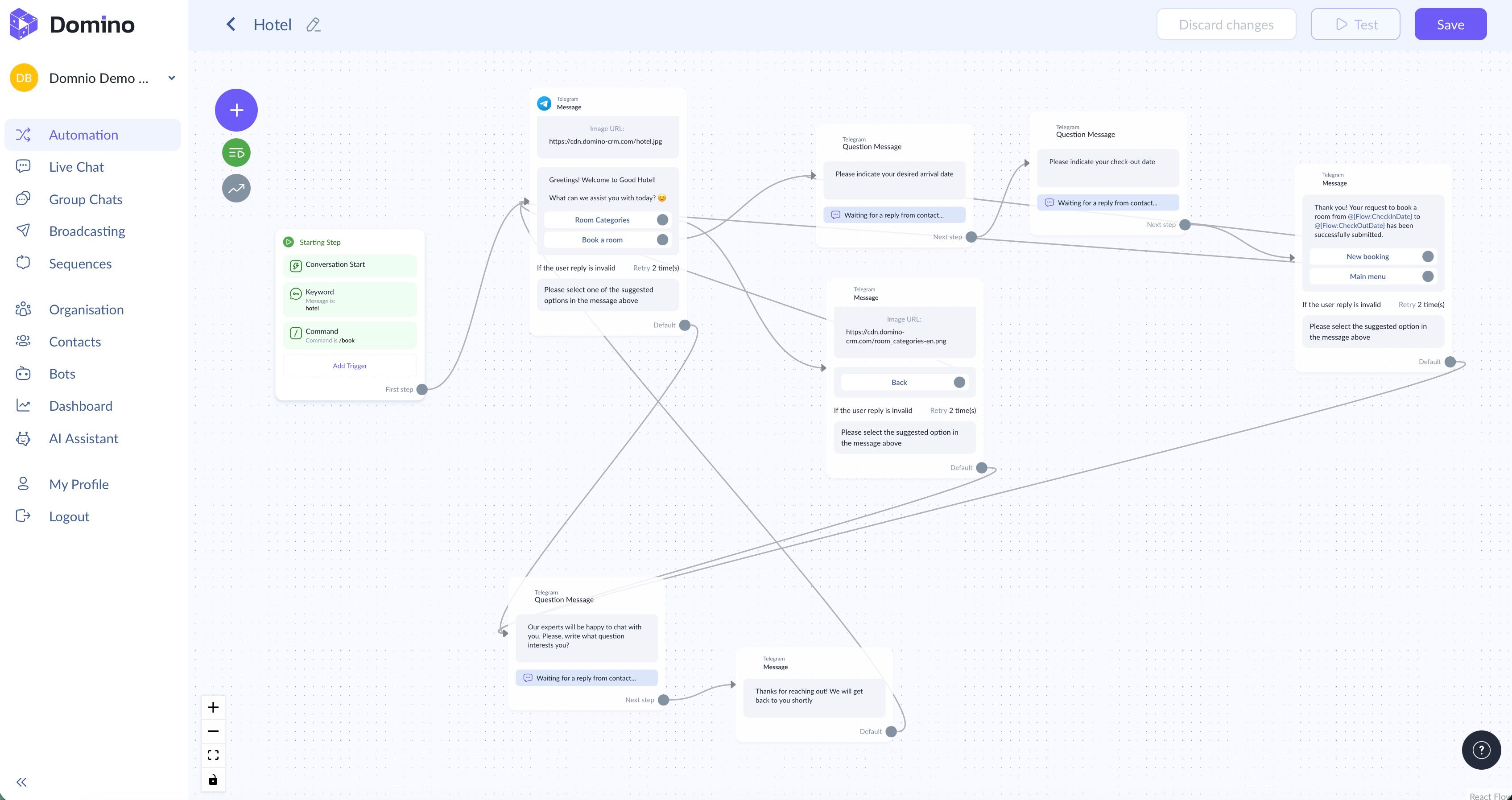
P.S. As a reminder: if the ready-made template does not suit your needs, you can always build a flow from scratch. To do this, click ‘+ New Flow’ and select ‘Start from scratch, create your own flow’. You can also choose ‘Create a flow with AI’. Simply specify your organization’s name, provide a website or social media page, briefly describe your tasks to the AI, and select your industry.
You May Also Like

How to Run a Customer Survey via Chatbot: Domino CRM Guide
How to Run a Customer Survey via Chatbot

Hotel Chatbot? Easy with Domino CRM!
Hotel Chatbot: What It Can Do in Practice