


December 16,2025
How to Set Up a Telegram Broadcast in Domino CRM: Targeting Filters
Mass Telegram broadcasts sent to your contact base through the Domino chatbot builder are a powerful tool for re-engagement and customer return. Once a person interacts with your Telegram chatbot at least once, they become part of your contact base. Not only that! They are also linked to multiple contact fields and variables. As a result, you can segment your audience based on specific criteria and send targeted messages to the right group, whether it is a reminder, a discount, useful content, or a link to a new automation flow.
Telegram Broadcasts with Domino CRM
Suppose you notice that part of your potential audience on Telegram has gone quiet. This is the right moment to re-engage them with a mass Telegram broadcast. We have already covered how to create and launch a broadcast in detail. In short, you need to:
- Go to the ‘Broadcasting’ section
- Click ‘+ New Broadcast’
- Enter a title for the broadcast
- Add the message content and configure a button (for example, linking to a website or a Telegram link that leads to a new chatbot flow)
- Set the broadcast time (or send it immediately after creation)
- Define the recipients
The last step is what we will focus on in more detail below.
Audience Setup for a Telegram Broadcast
Accurate targeting is the key to an effective broadcast. Domino CRM offers two targeting options.
Telegram Broadcast by Group List
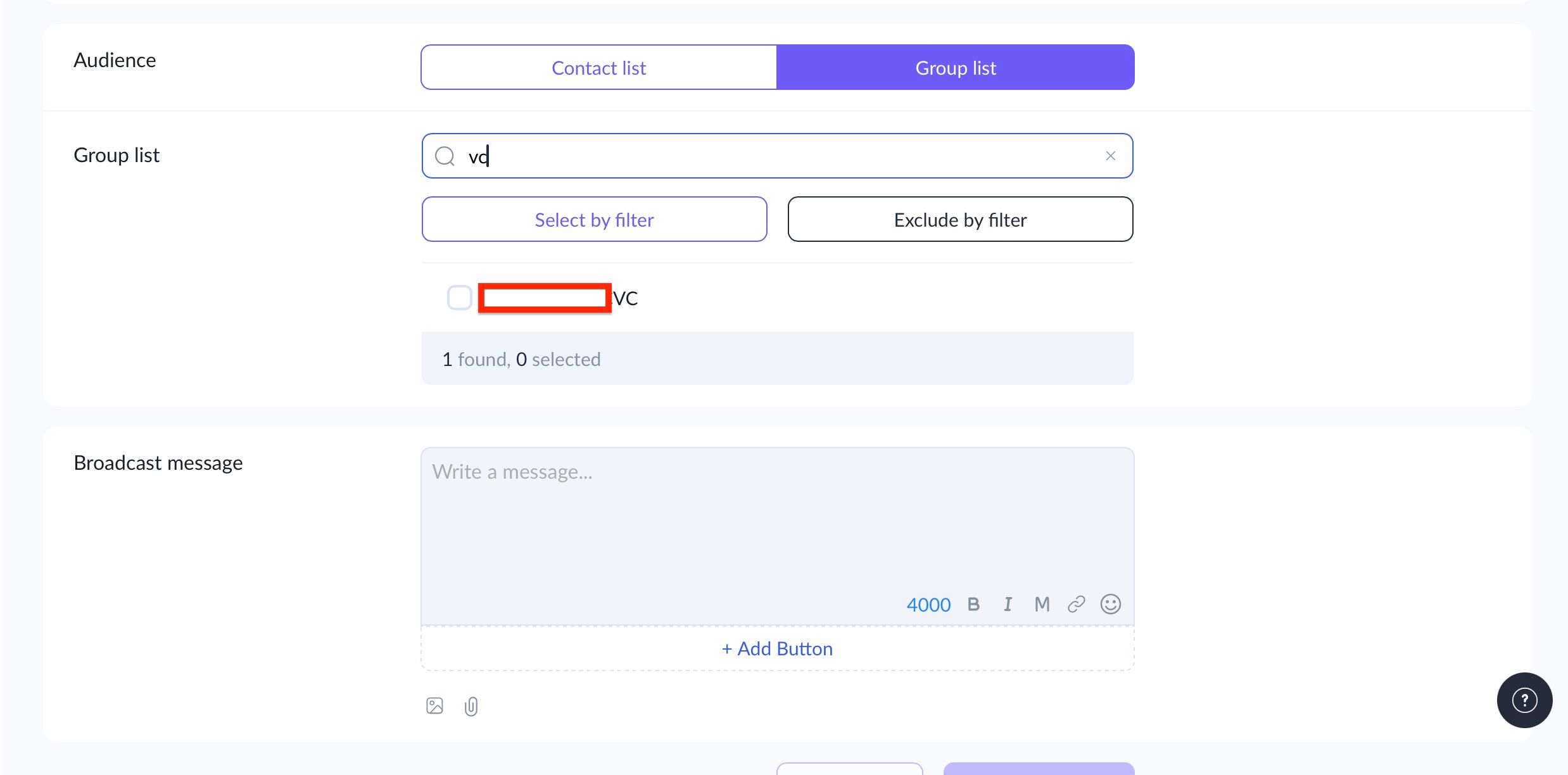
If you choose the ‘Group List’ option, you can either select all groups connected to the chatbot, search for a specific group by name, or filter and select multiple groups at once.
Telegram Broadcast by Contact List
If you need the most precise targeting, it is better to use the ‘Contact List’ option. In this case, you have three alternative ways to define your audience.
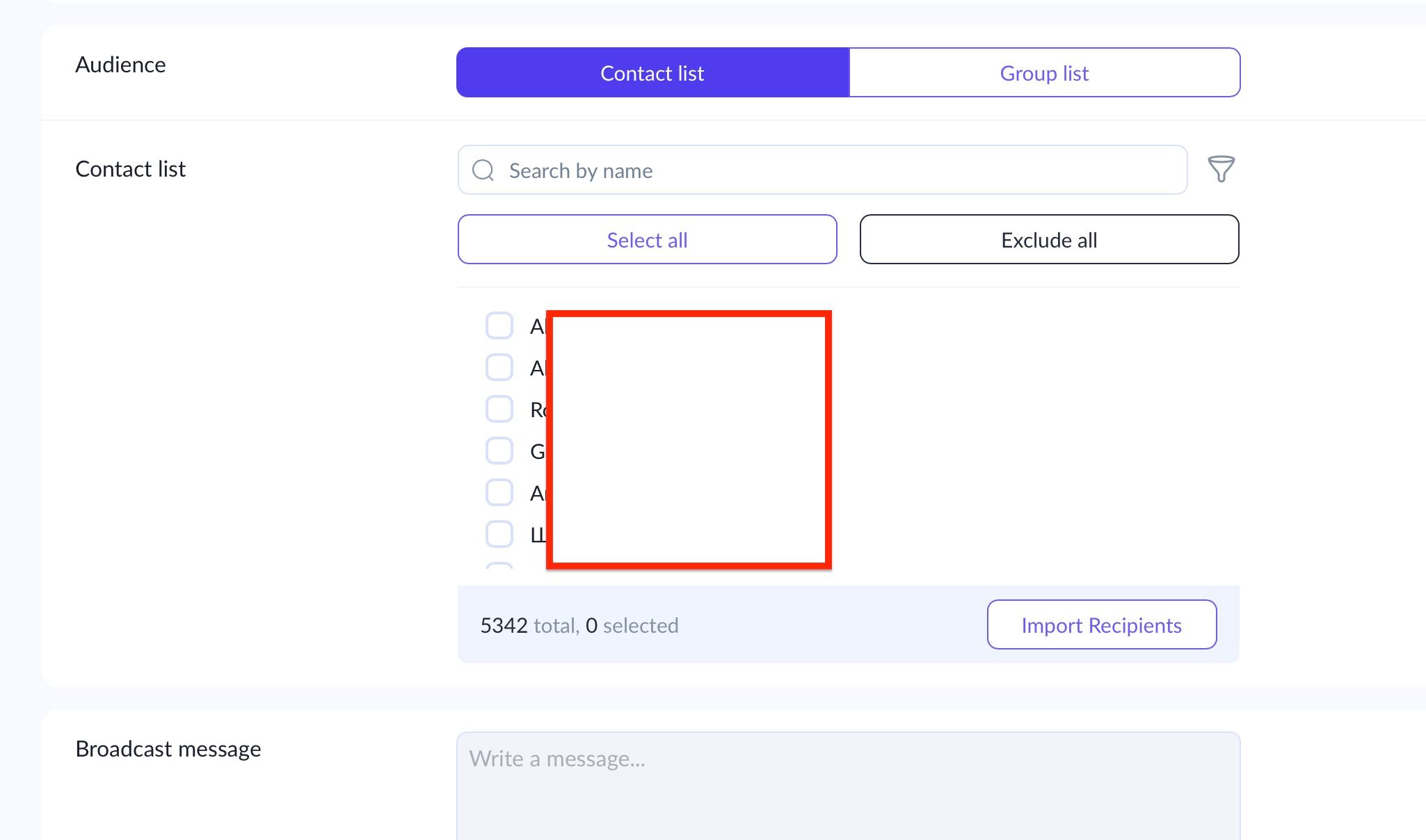
First, you can select all contacts or filter them by name.
Second, if you click the filter (funnel) icon, you can refine recipients using contact details, including:
- Telegram ID
- Telegram username
- First and last name
- Phone number.
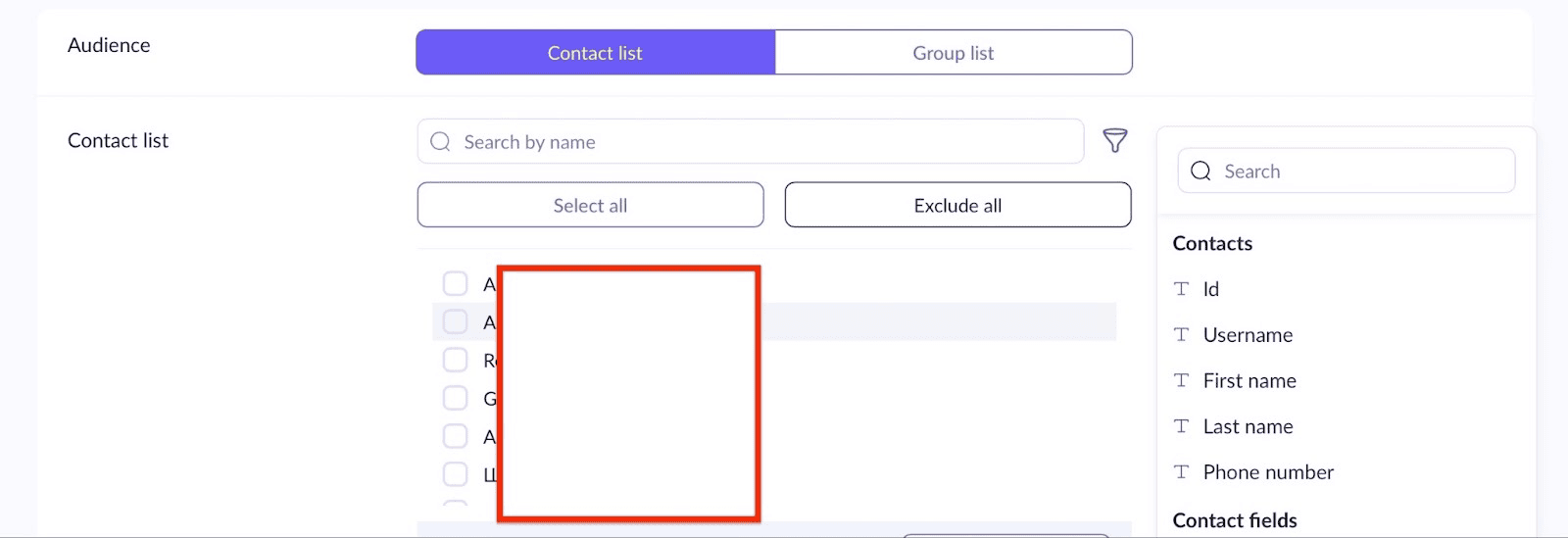
The screenshot below shows how, for example, you can send a message to all contacts named Alexander in your database.
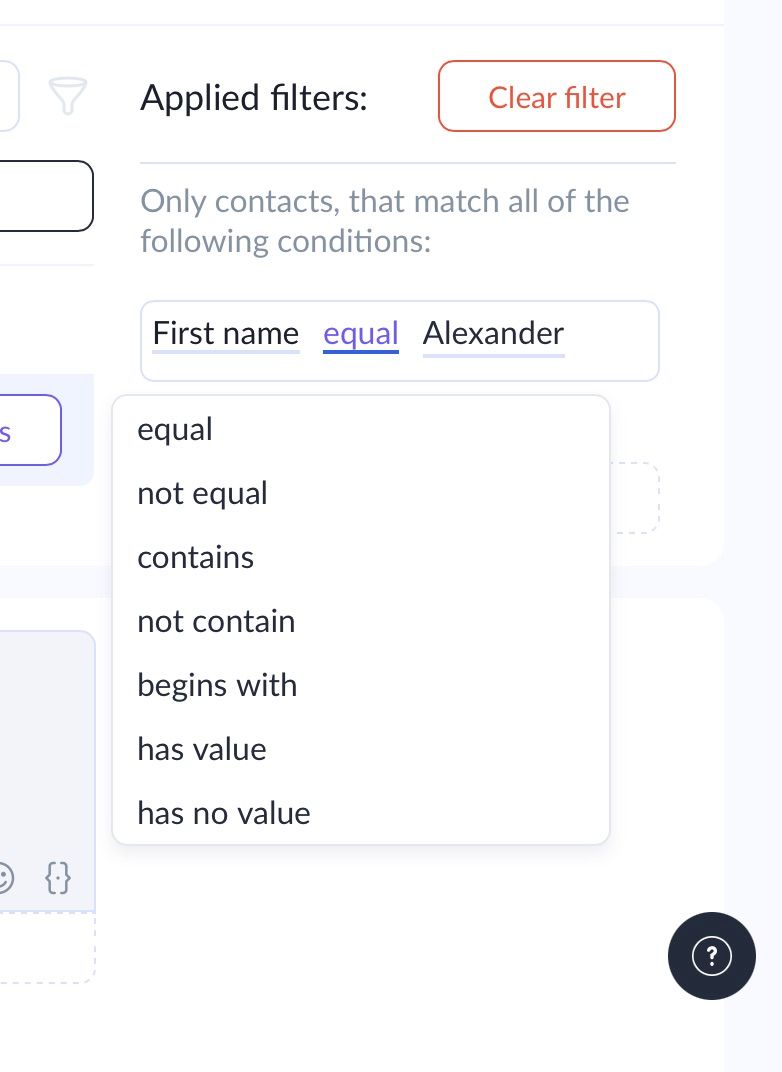
Third, and this is the biggest advantage of Domino CRM, you can filter Telegram broadcast recipients by contact fields. These are contact attributes that the chatbot captures and stores during conversations with users, as long as response recording to contact fields is properly configured.
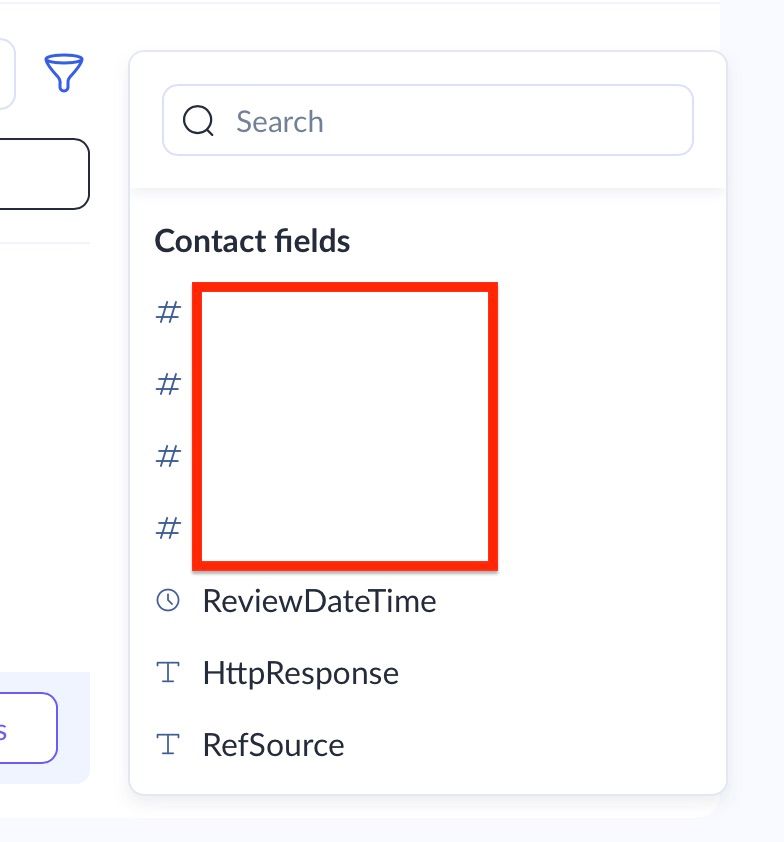
These fields are stored in the system permanently and can be reused at any time. It does not matter which Telegram chatbot originally recorded the contact field, as long as it is linked to your company.
In addition, you can manually create contact fields in the ‘Contacts’ section.
Say, we need to find a contact whose text-based ‘RefSource’ field contains ‘a.’ And we have found one!
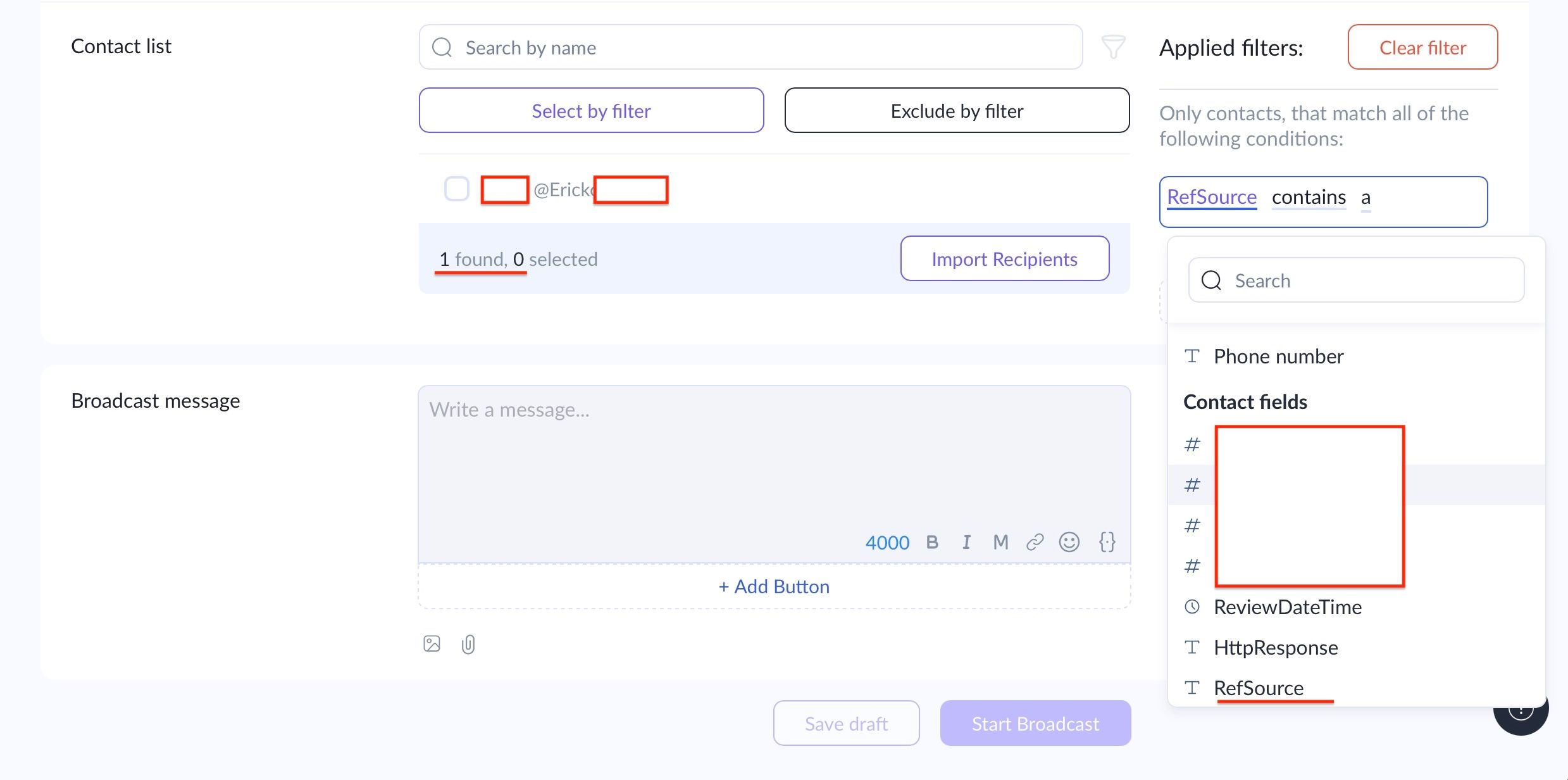
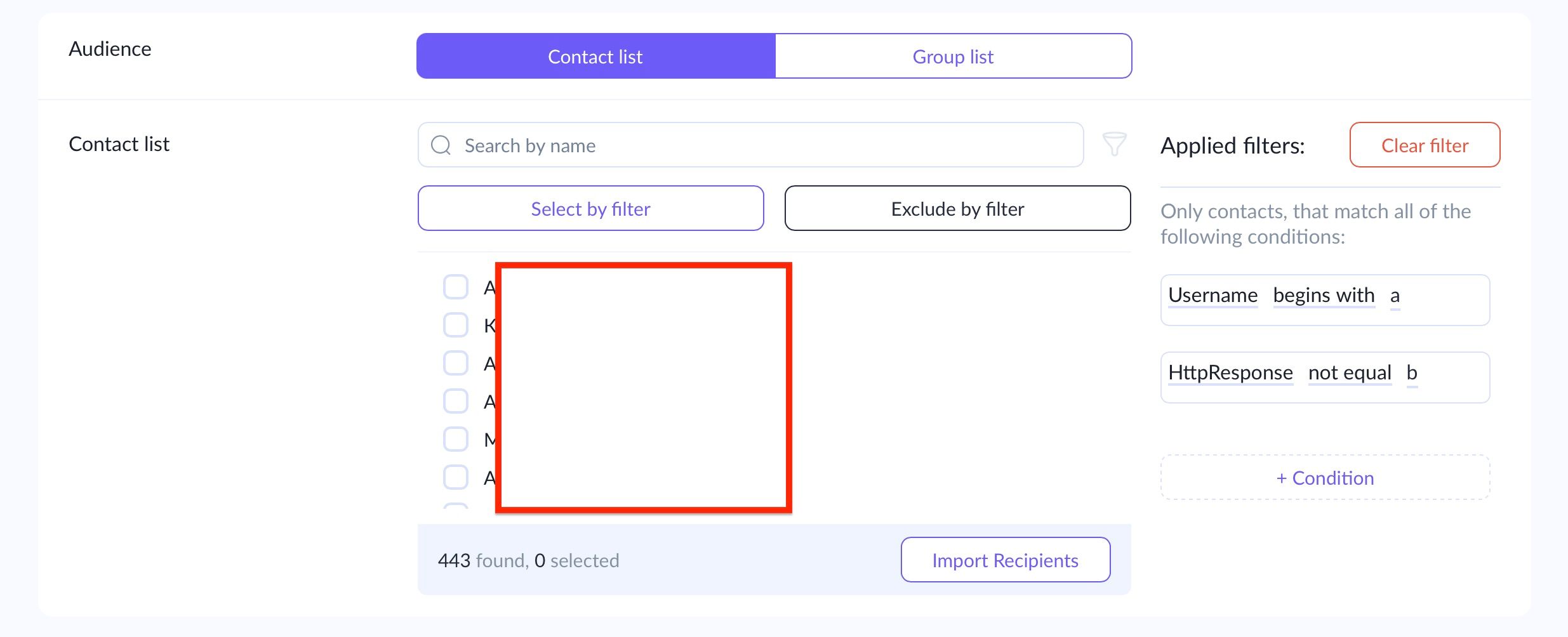
Of course, you can apply as many filters as needed. Simply click ‘+ Condition’ to layer multiple conditions for the most precise targeting in your Telegram broadcast. In this case, the filters work using AND logic, meaning only contacts that meet all specified conditions will remain after filtering.
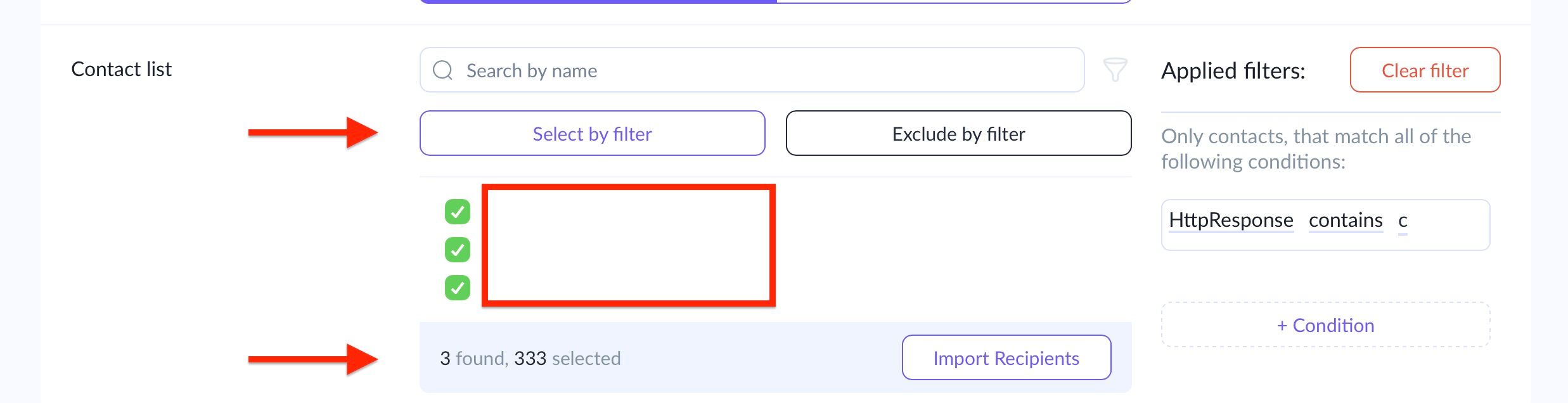
At the same time, filters can work not only to narrow down the audience but also to expand it by complementing each other. This is how they can be combined. For example, select all contacts whose usernames contain ‘al’ and click ‘Select by Filter.’ As a result, 330 contacts are added to the recipient list.
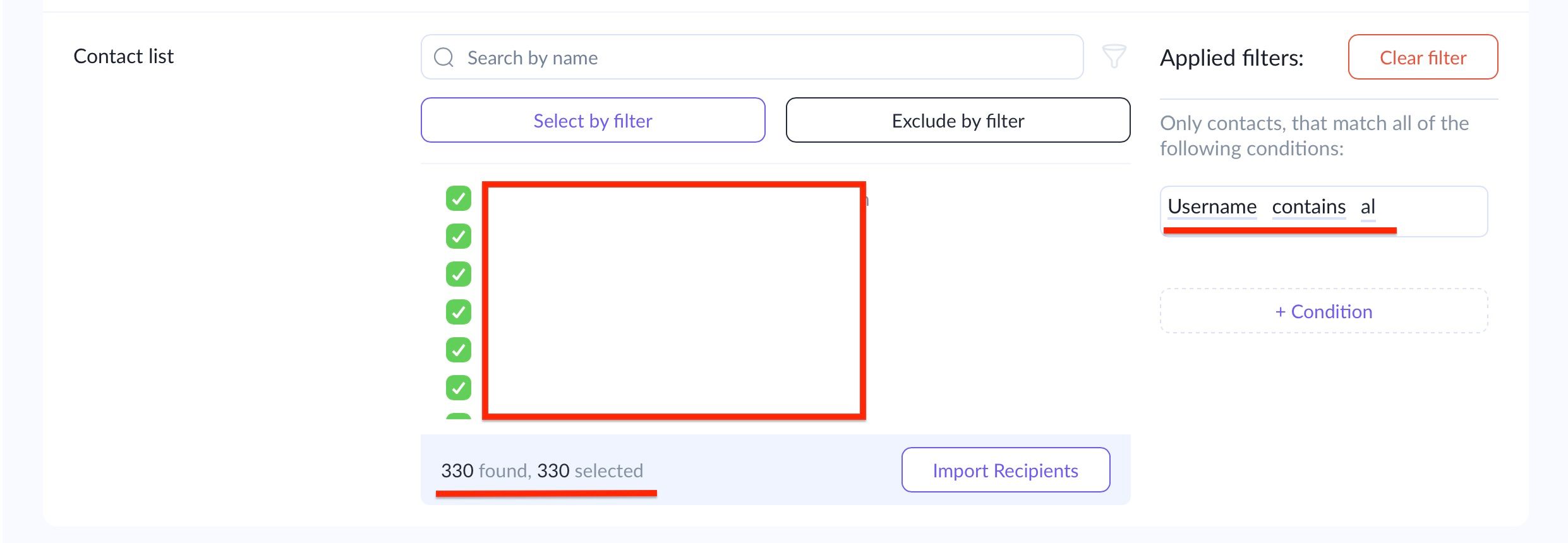
Next, click ‘Clear Filter’ to remove this filter for the Telegram broadcast and apply a new one. Note that the 330 contacts selected in the previous step remain selected. We simply add another filter and click ‘Apply,’ then ‘Select by Filter.’
As a result, the second group, 3 persons, is added to the first one, and both groups would receive the Telegram broadcast together.
Use filtering when sending Telegram broadcasts in Domino CRM to maximize targeting precision and campaign effectiveness!
You May Also Like

Telegram Question Chatbot: How to Collect Data from Customers
How can you ask customers questions via a Telegram bot? Exploring the capabilities of Domino CRM

What’s New in Domino CRM in November 2025: Filters, Scenarios, and Statistics
What’s New in Domino CRM in November 2025 for Telegram Chatbots